This tutorial will show you how to implement a Login process using the following tech stack:
- Spring Boot(2.2.2)
- Spring Security
- Spring MVC
- JPA
- Thymeleaf
- Lombok
- MySQL
- Bootstrap (UI Presentation)
- Maven
- Eclipse / IntelliJ
- Java 11
- Packaging (JAR)
Preconditions
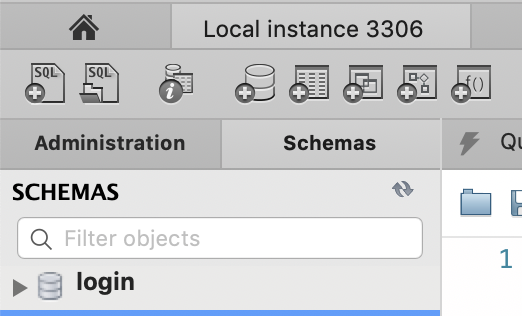
- MySQL database with the name “login”
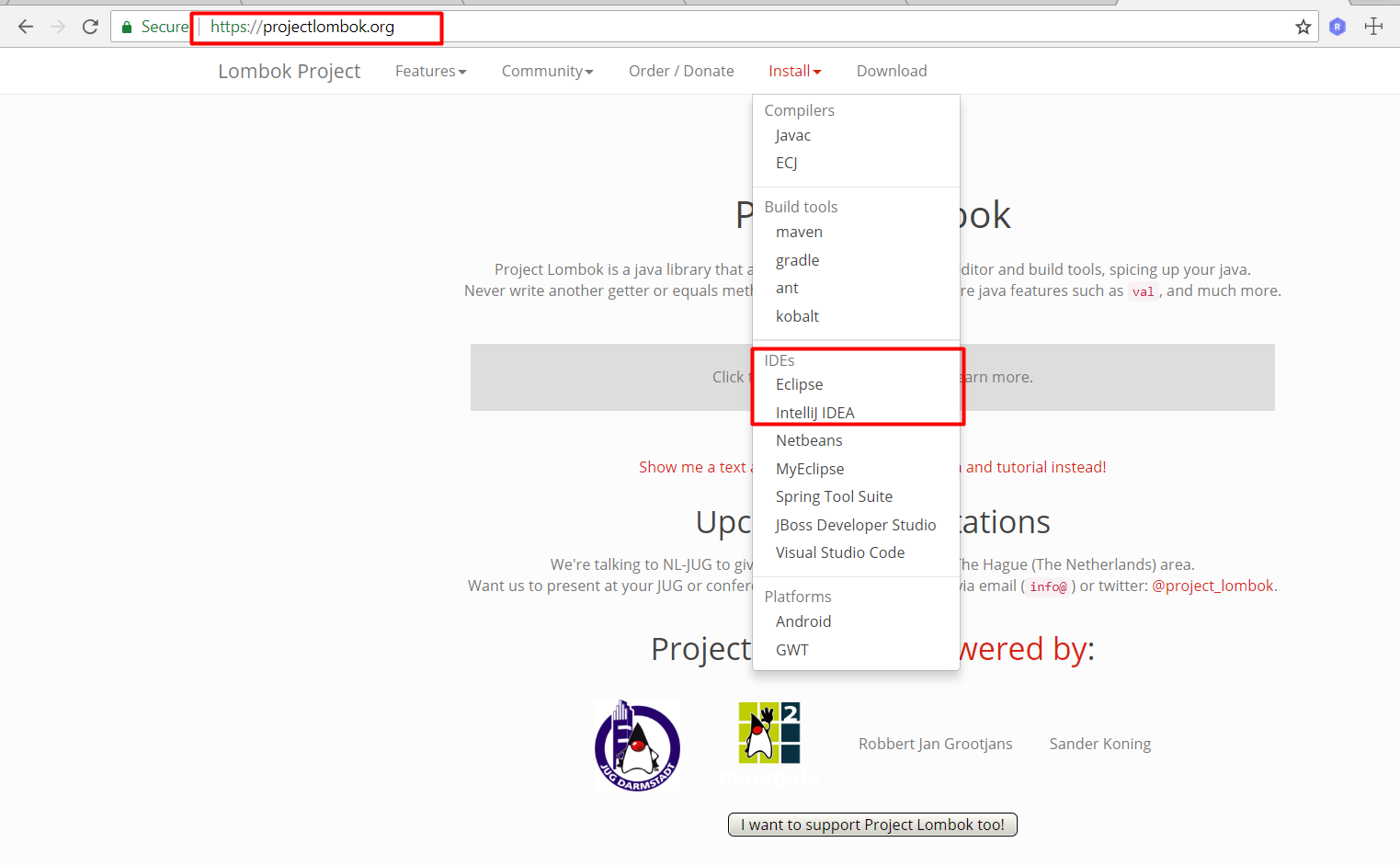
- Install Lombok plugin on Eclipse/IntelliJ
Project Creation
First, let’s use the Spring initializer page to create our maven project with the dependencies listed below.
- Go to → https://start.spring.io/
- Leave everything as it is and select the following dependencies: Security, Web, Security, JPA, MySQL, Thymeleaf and Lombok.
To get in-depth knowledge on Java Spring Boot, Please go through the link Spring Boot Certification
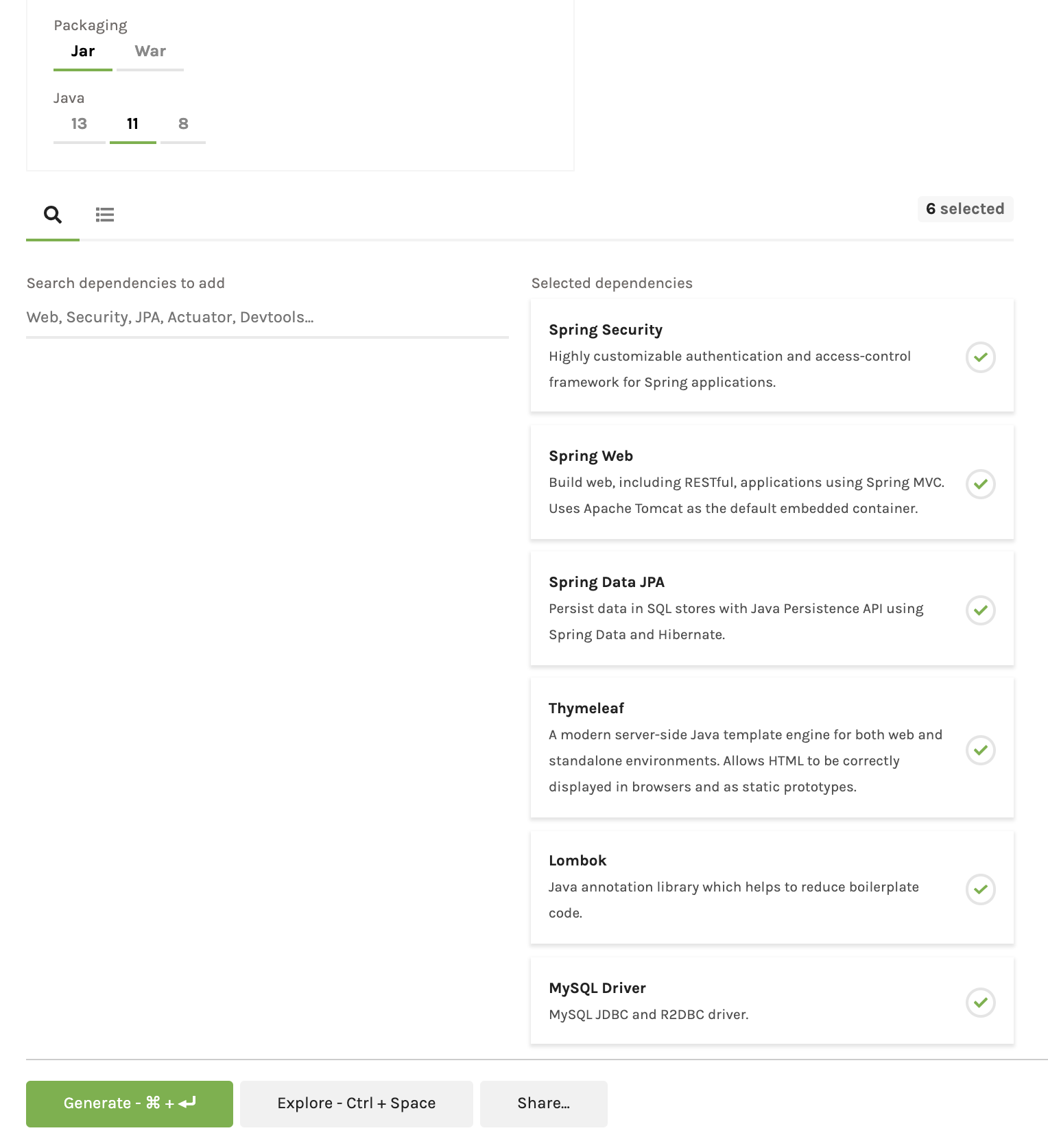
Click on Generate Project button to download the maven project (demo.zip file).
Import Project into Eclipse or IntelliJ
- Unzip the zip file.
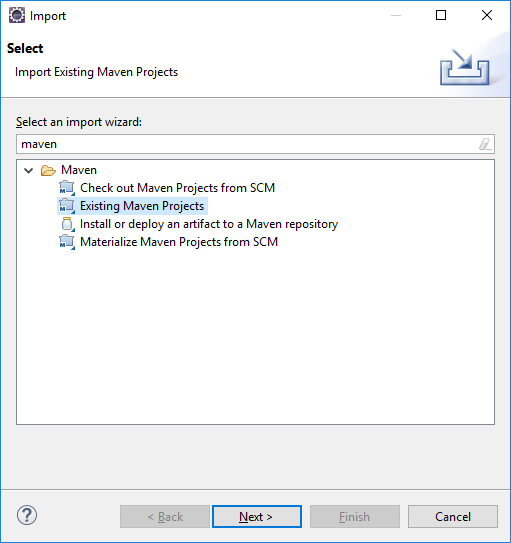
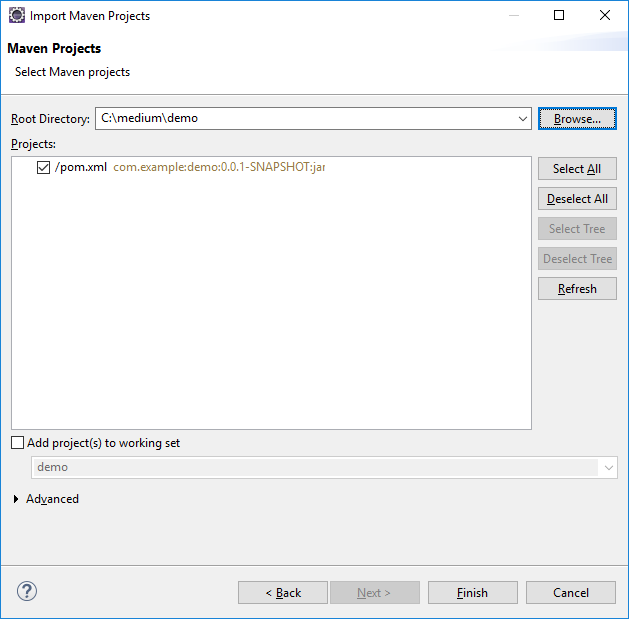
- Import into Eclipse as “Existing Maven Project”
- Choose the root directory of the project generated (where the pom.xml file is located) and click on Finish.
Eclipse (Import Project)
IntelliJ(Open Project)


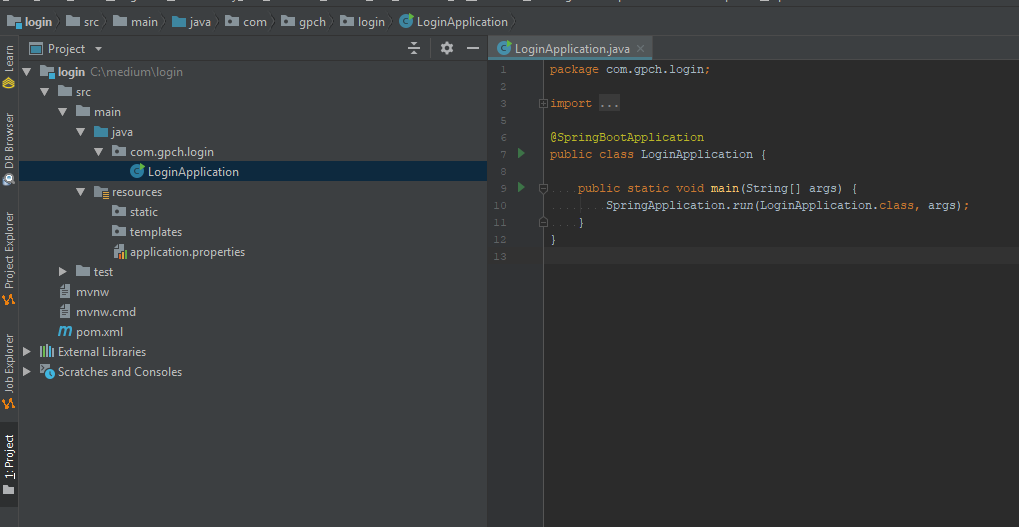
Project Structure Generated
Model Creation
Now let´s create our model classes called User and Role(Entity classes). Lombok is a very useful library used to generate boilerplate code manly for model/data objects.
User
This class includes validations based on the validations provided by Hibernate.
package com.gpch.login.model;

import lombok.AllArgsConstructor;
import lombok.Builder;
import lombok.Data;
import lombok.NoArgsConstructor;
import org.hibernate.validator.constraints.Length;

import javax.persistence.*;
import javax.validation.constraints.Email;
import javax.validation.constraints.NotEmpty;
import java.util.Set;

@Data
@Builder
@AllArgsConstructor
@NoArgsConstructor
@Entity
@Table(name = "users")
public class User {

    @Id
    @GeneratedValue(strategy = GenerationType.AUTO)
    @Column(name = "user_id")
    private int id;
    @Column(name = "user_name")
    @Length(min = 5, message = "*Your user name must have at least 5 characters")
    @NotEmpty(message = "*Please provide a user name")
    private String userName;
    @Column(name = "email")
    @Email(message = "*Please provide a valid Email")
    @NotEmpty(message = "*Please provide an email")
    private String email;
    @Column(name = "password")
    @Length(min = 5, message = "*Your password must have at least 5 characters")
    @NotEmpty(message = "*Please provide your password")
    private String password;
    @Column(name = "name")
    @NotEmpty(message = "*Please provide your name")
    private String name;
    @Column(name = "last_name")
    @NotEmpty(message = "*Please provide your last name")
    private String lastName;
    @Column(name = "active")
    private Boolean active;
    @ManyToMany(cascade = CascadeType.MERGE)
    @JoinTable(name = "user_role", joinColumns = @JoinColumn(name = "user_id"), inverseJoinColumns = @JoinColumn(name = "role_id"))
    private Set<Role> roles;

}
Role
package com.gpch.login.model;

import lombok.AllArgsConstructor;
import lombok.Builder;
import lombok.Data;
import lombok.NoArgsConstructor;

import javax.persistence.*;

@Data
@Builder
@AllArgsConstructor
@NoArgsConstructor
@Entity
@Table(name = "roles")
public class Role {
    @Id
    @GeneratedValue(strategy = GenerationType.AUTO)
    @Column(name = "role_id")
    private int id;
    @Column(name = "role")
    private String role;
}
application.properties file
# ==============================================================
# = Data Source
# ==============================================================
spring.datasource.url = jdbc:mysql://localhost:3306/login?useSSL=true
spring.datasource.username = root
spring.datasource.password = adminadmin

# ==============================================================
# = Keep the connection alive if idle for a long time (needed in production)
# ==============================================================
spring.datasource.testWhileIdle = true
spring.datasource.validationQuery = SELECT 1

# ==============================================================
# = Show or not log for each sql query
# ==============================================================
spring.jpa.show-sql = true

# ==============================================================
# = Hibernate ddl auto (create, create-drop, update)
# ==============================================================
spring.jpa.hibernate.ddl-auto = update

# ==============================================================
# = The SQL dialect makes Hibernate generate better SQL for the chosen database
# ==============================================================
spring.jpa.properties.hibernate.dialect = org.hibernate.dialect.MySQL5Dialect

# ==============================================================
# = Initialize the database using data.sql script
# ==============================================================
spring.datasource.initialization-mode=always

#logging.level.org.springframework.security=DEBUG Lets see What Is Spring Boot
SQL Scripts
data.sql
REPLACE INTO `roles` VALUES (1,'ADMIN');This script will be executed every time the application is launched if you need more roles please include them in this file.
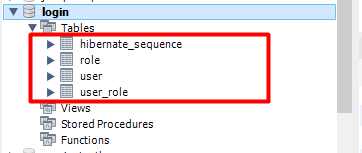
Note: By default Spring Boot will create the database structure if you have provided in the right way your MySQL credentials in the application.properties file.
Register new user
http://localhost:8080/registration
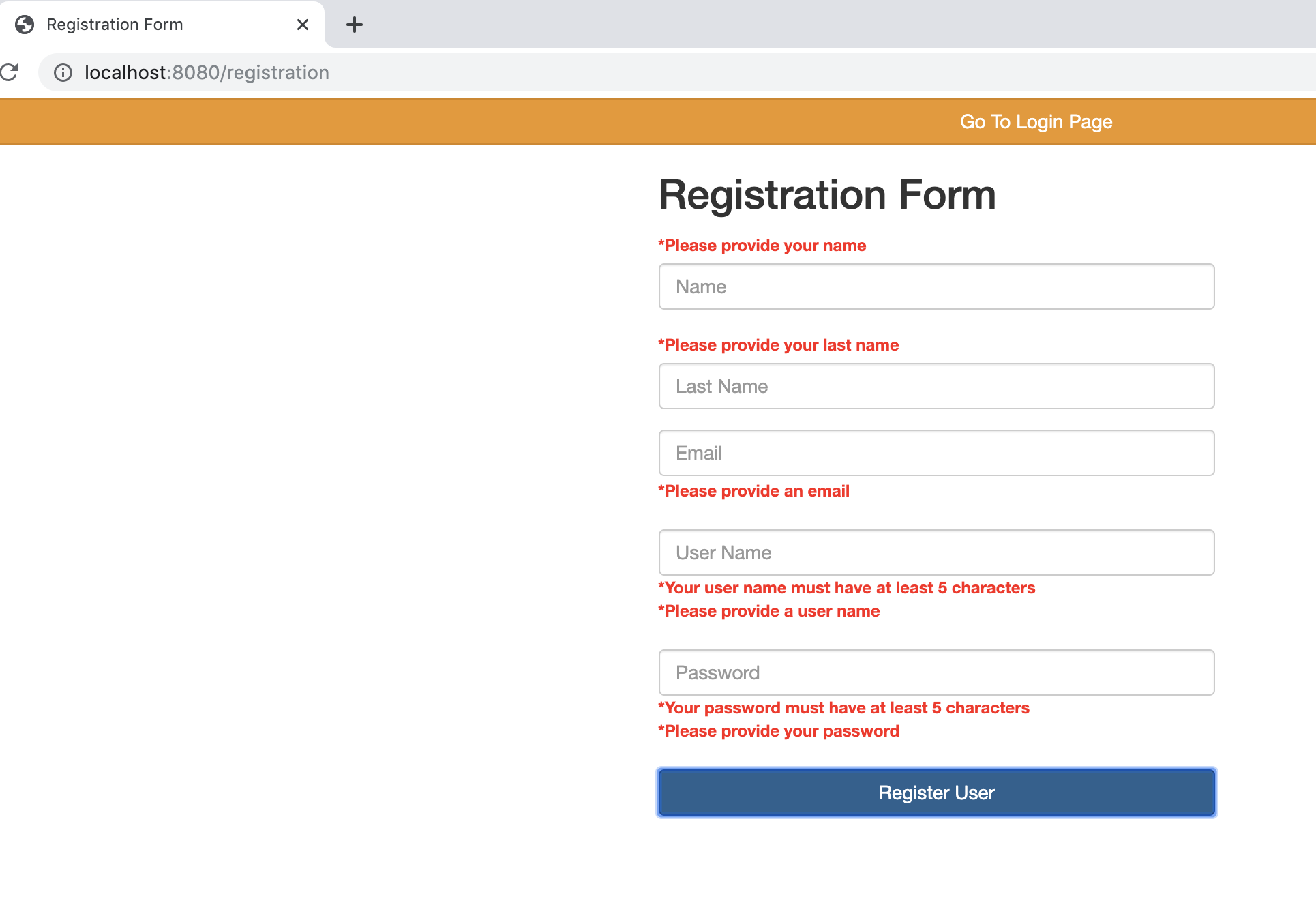
Validations
User Registration

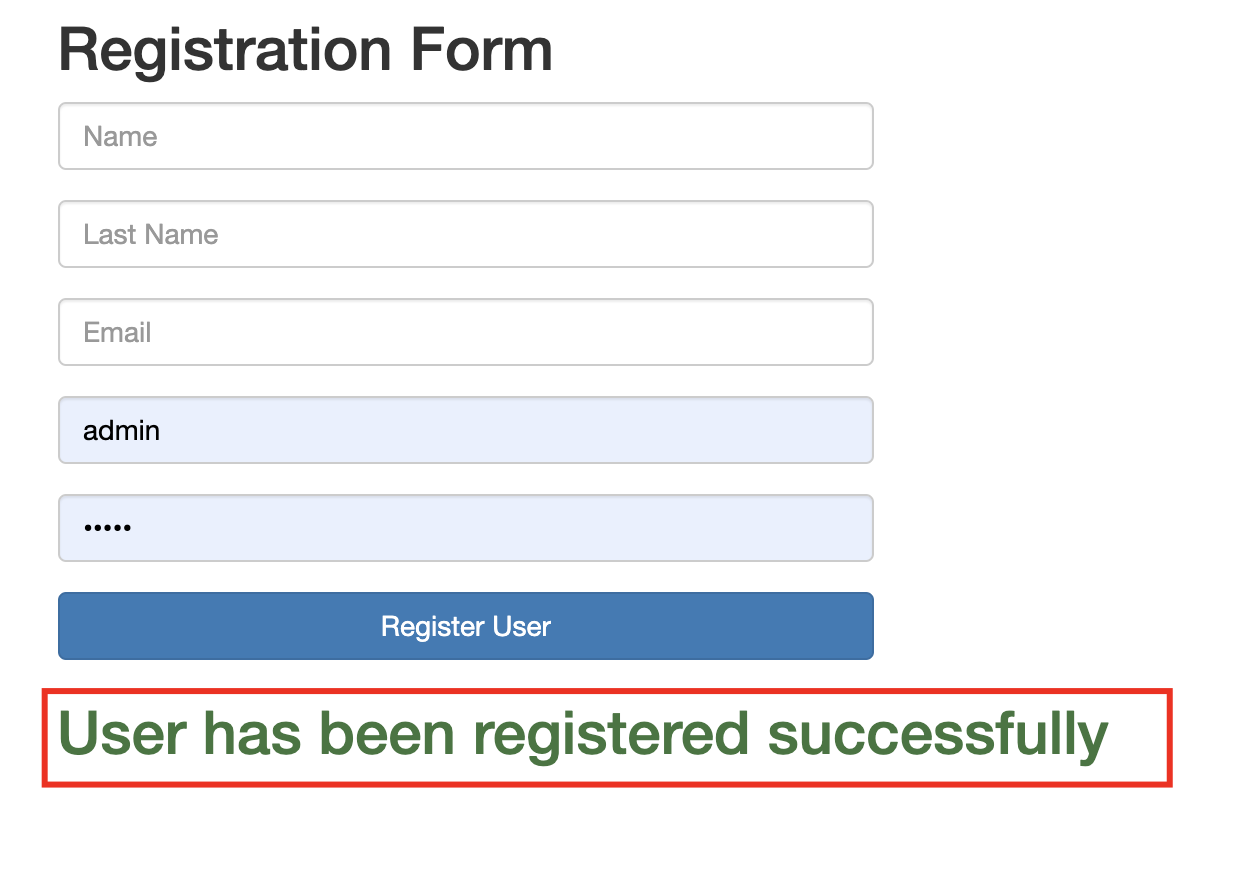
As you can see the password has been stored with a Hash algorithm due we have implemented the BCryptPasswordEncoder in our AuthenticationManagerBuilder.

Login Process
Login Fail

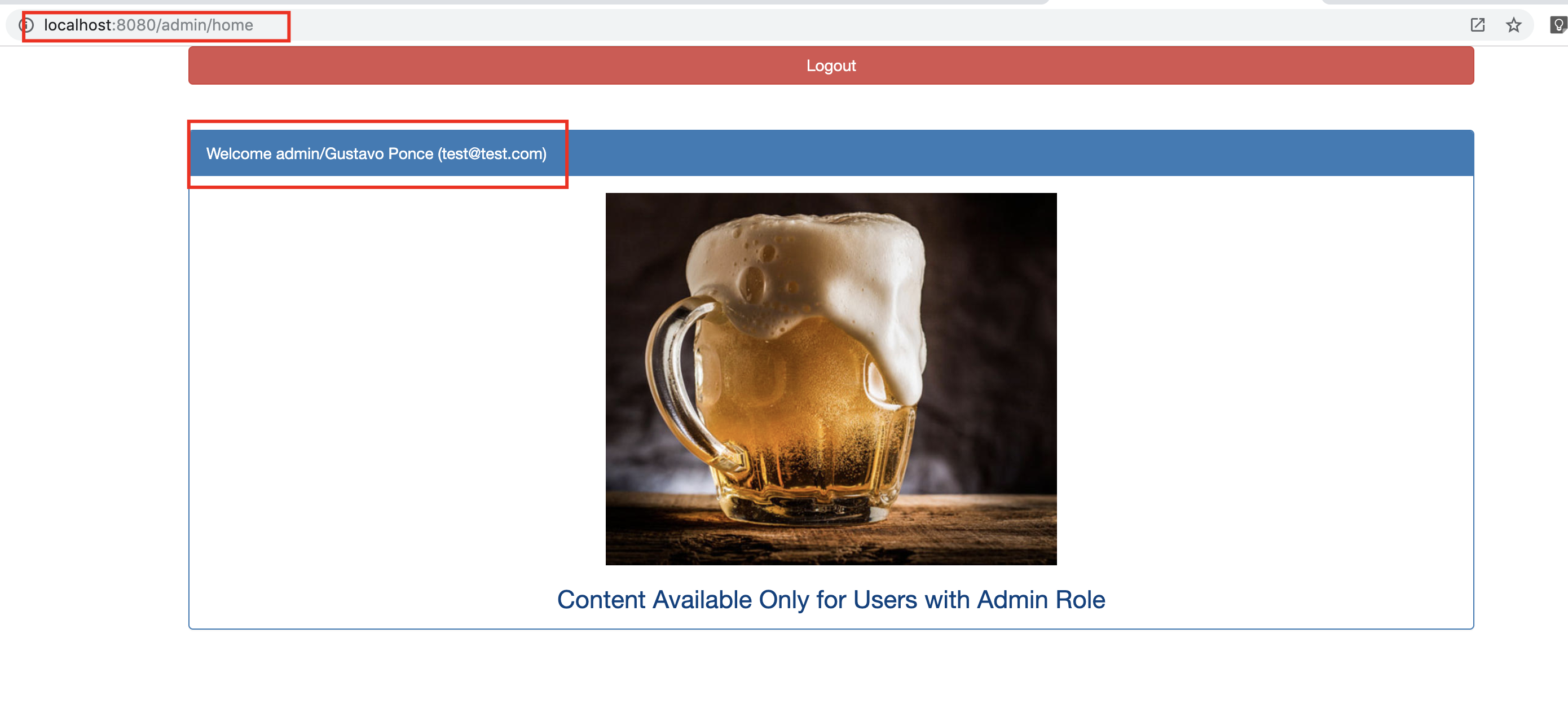
Login Success
Docker
If you want to run the project from a docker container please use the following commands or refer the readme file from the github repository.
- mvn clean install
- docker build — tag login-tutorial .
- docker run — net=host login-tutorial
Note: it will wok only in Linux since “ — net=host” docker argument is not supported by Windows and MacOSx
 Tech Programmers